Your smart home, finally organized.
Find every code.
Pair every device.
Scan, secure, and rediscover Matter, HomeKit, Wi-Fi and more—with on-device storage and optional encrypted sharing.
Every code. One beautiful vault.
From the first scan to the day a device is retired, CodeScout keeps the details you will actually need later. Real app screens below show sample devices.
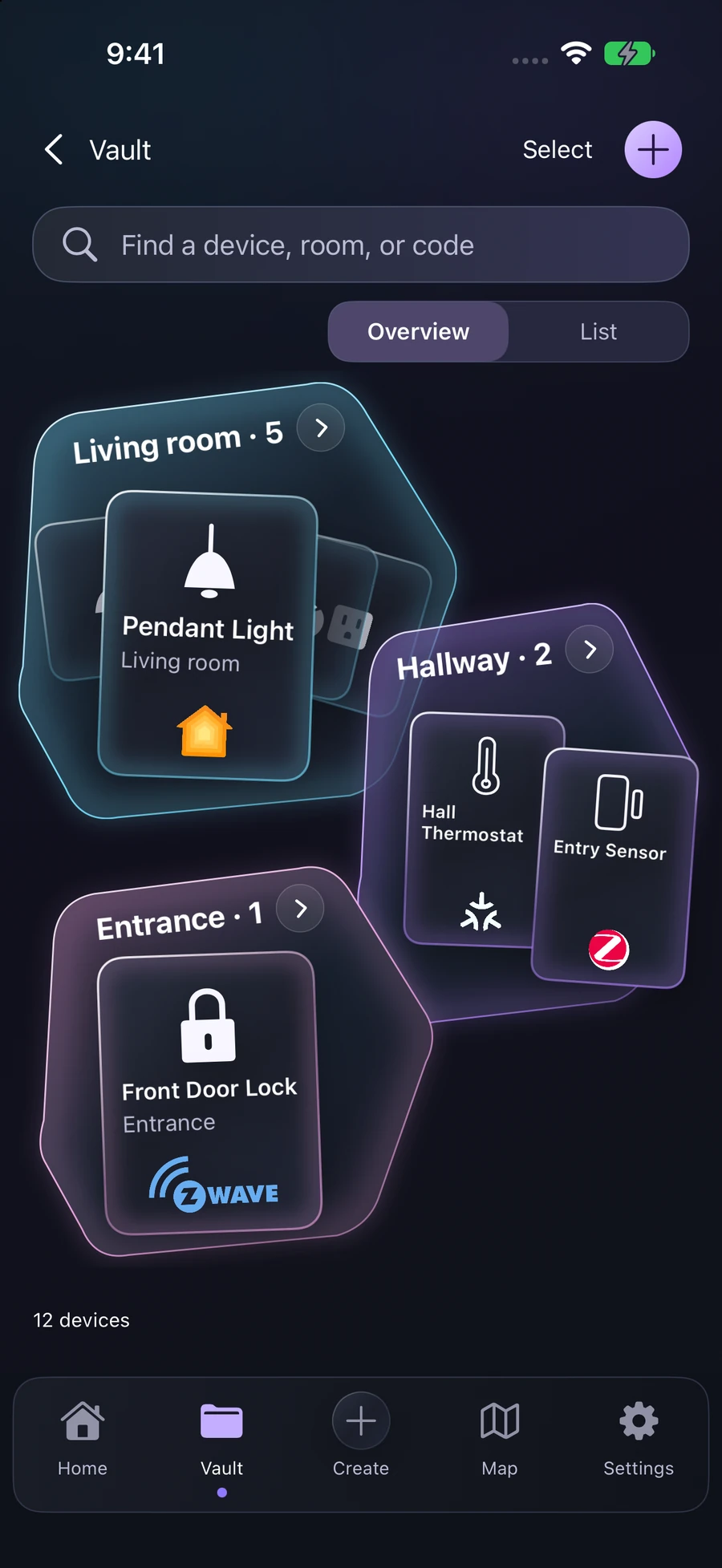
Vault
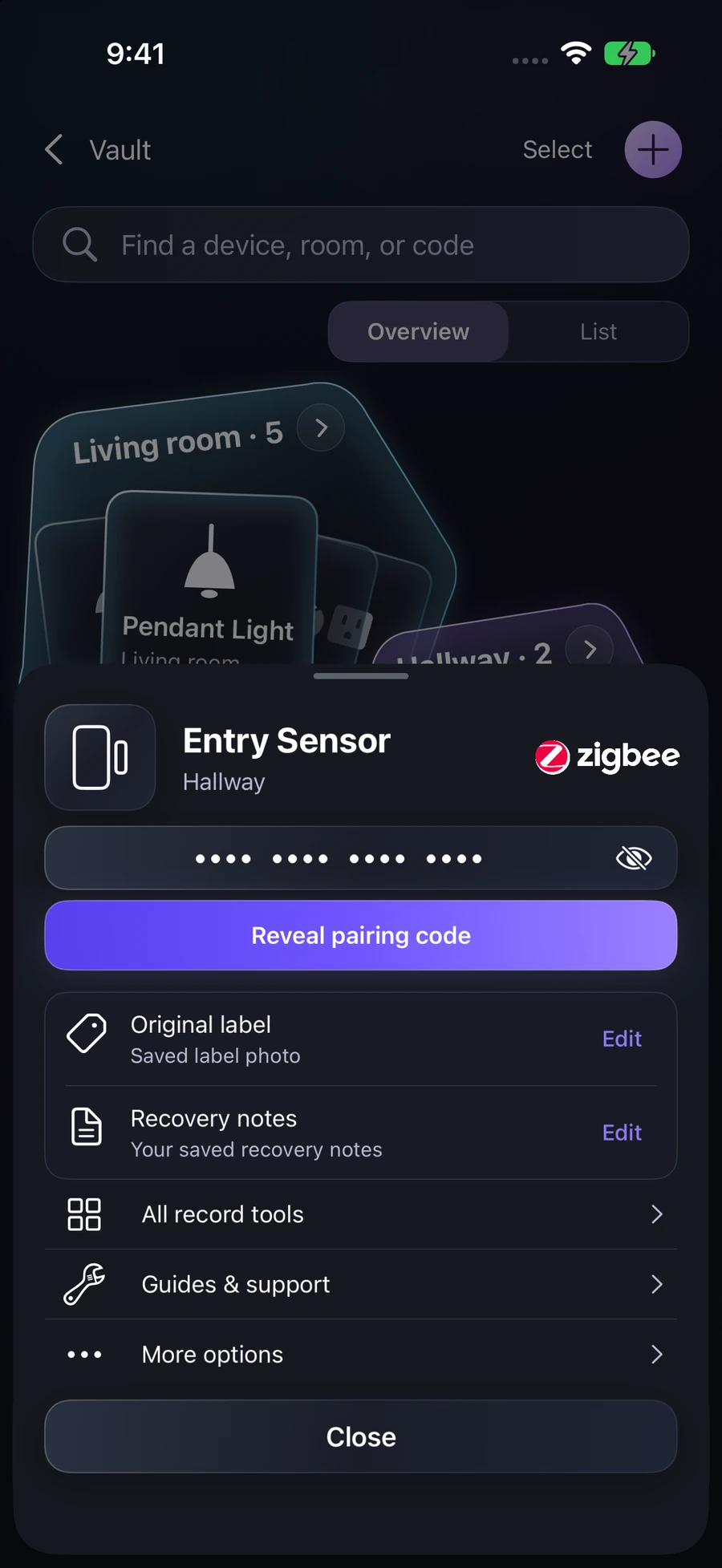
Device detail
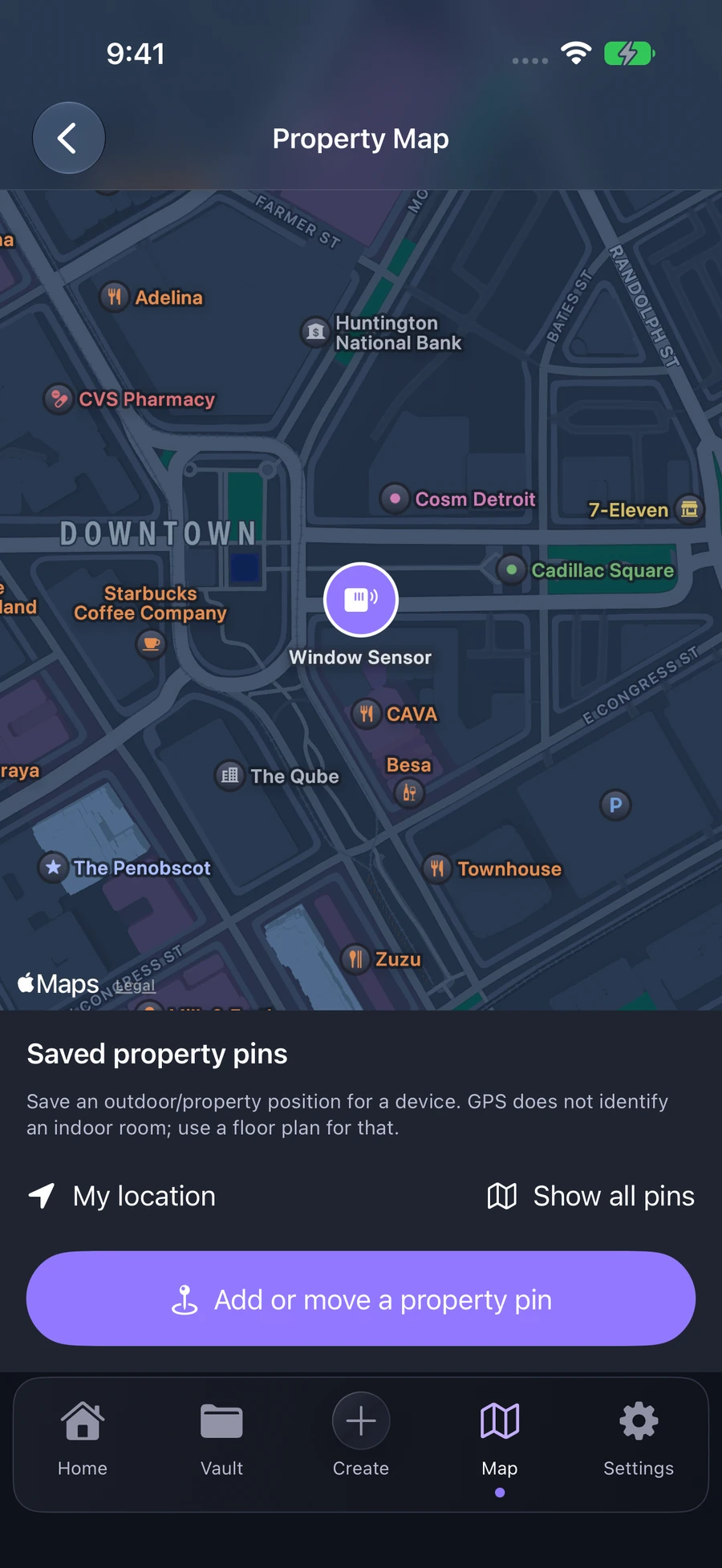
Property map
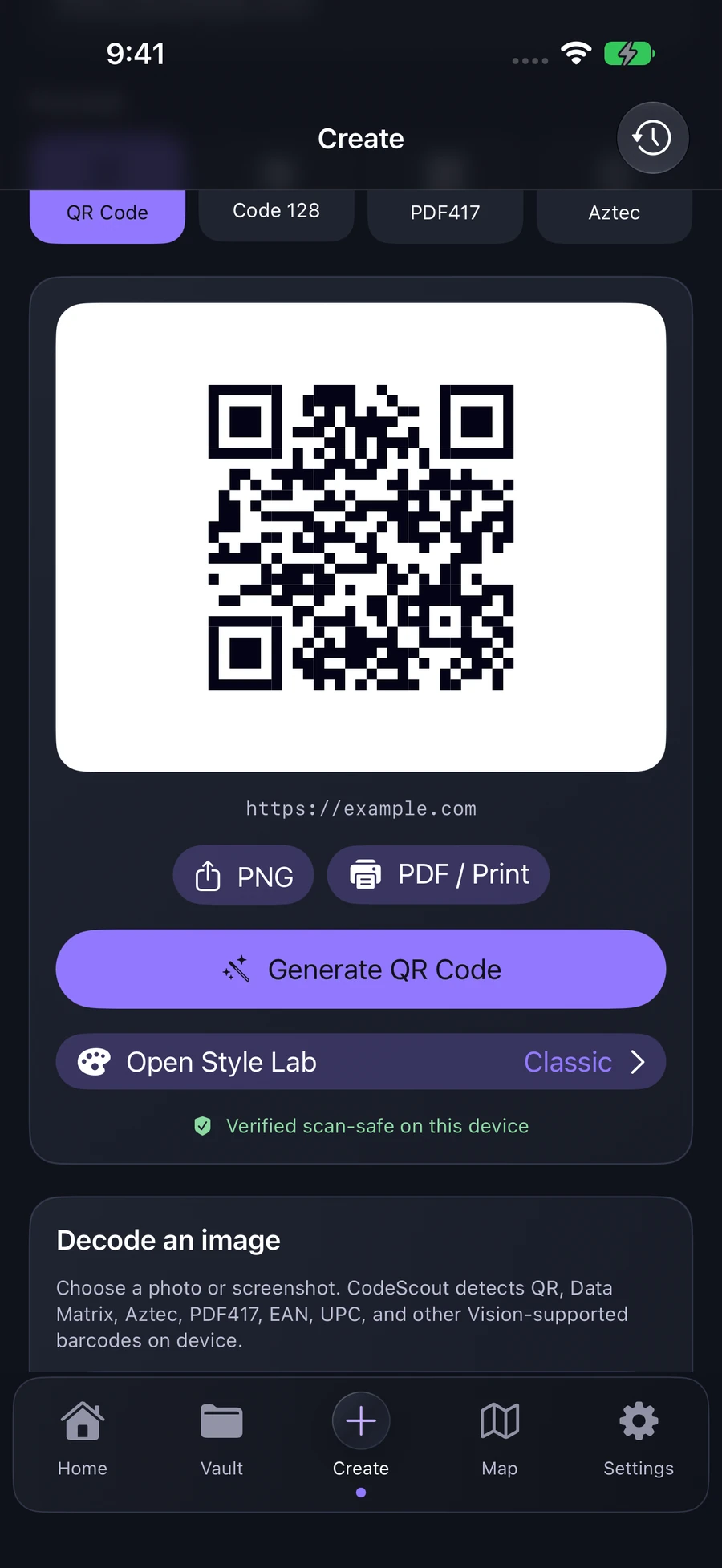
Code Studio
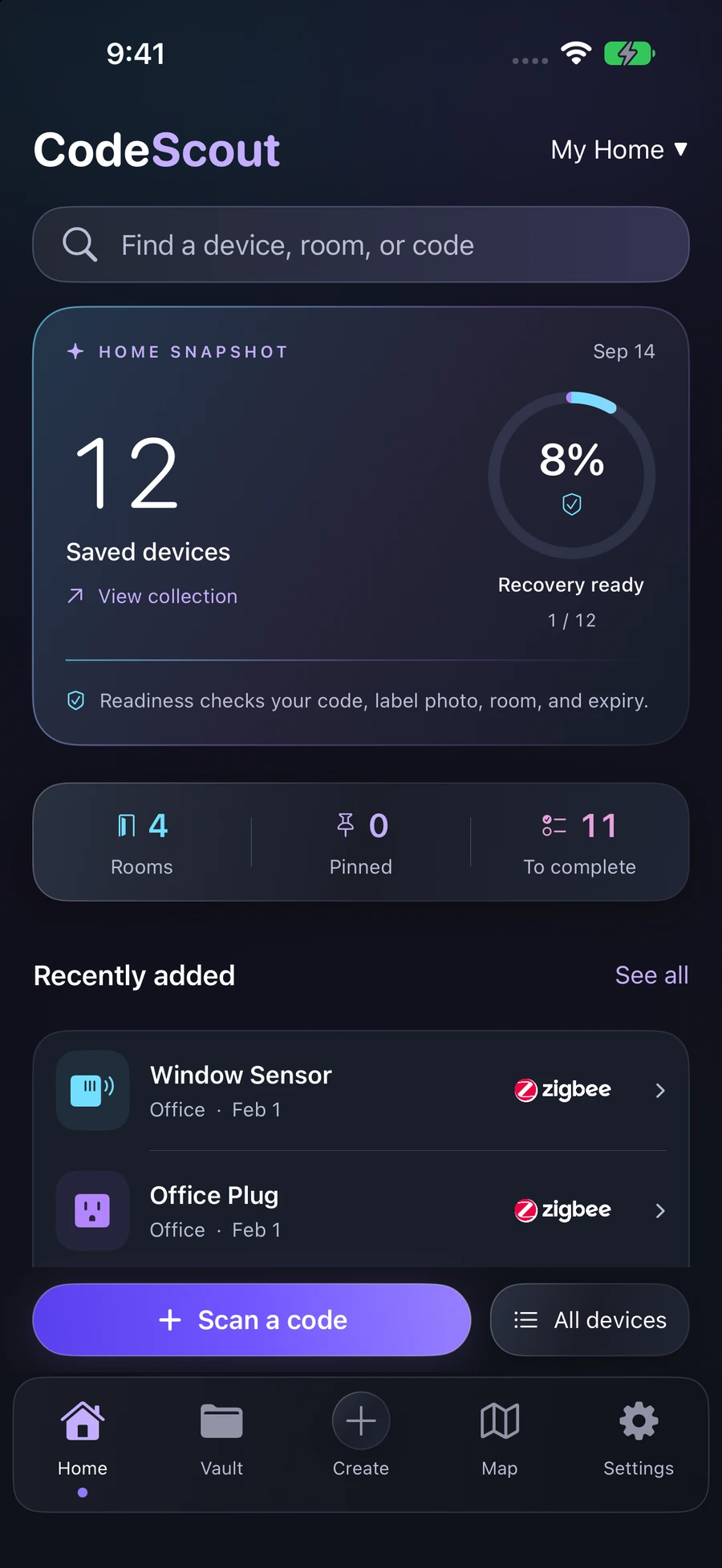
Dashboard
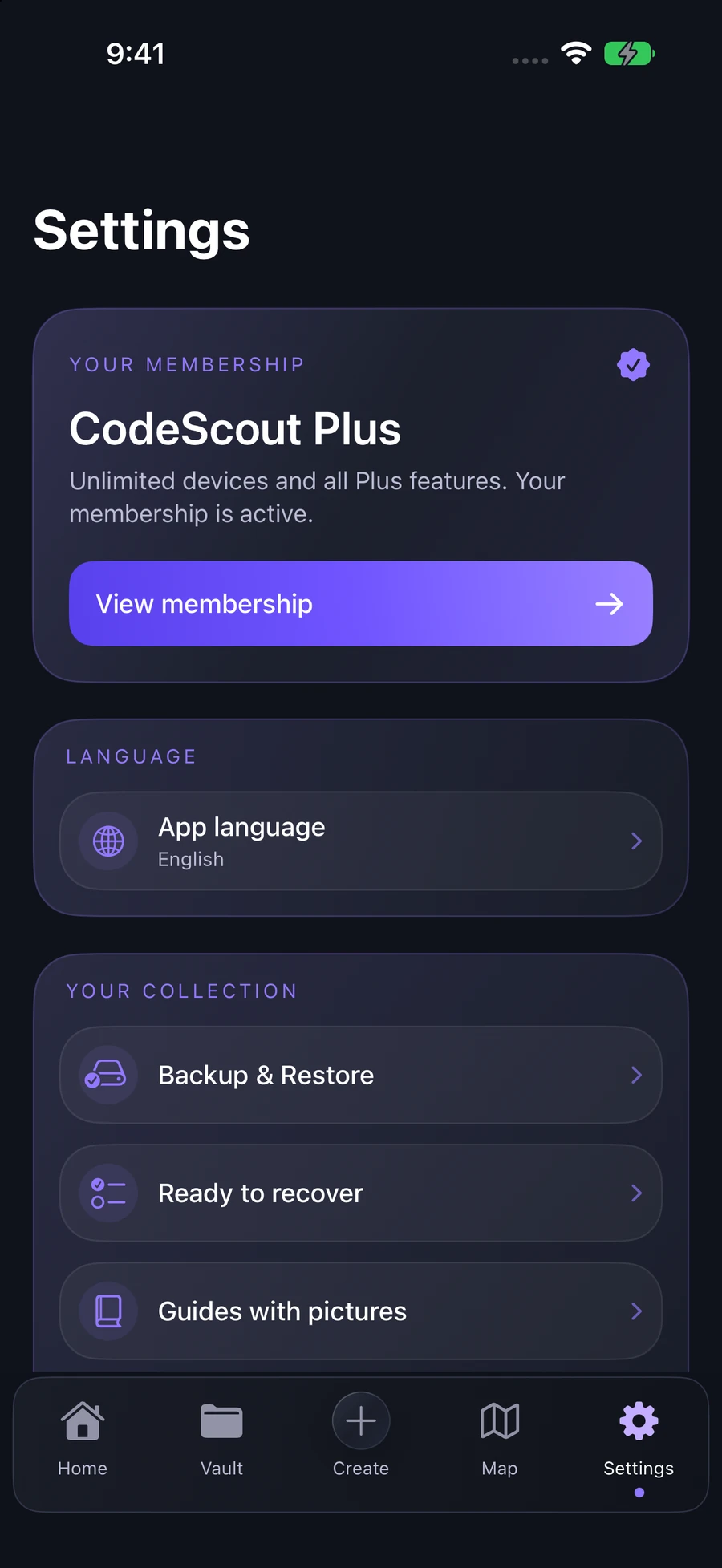
Membership
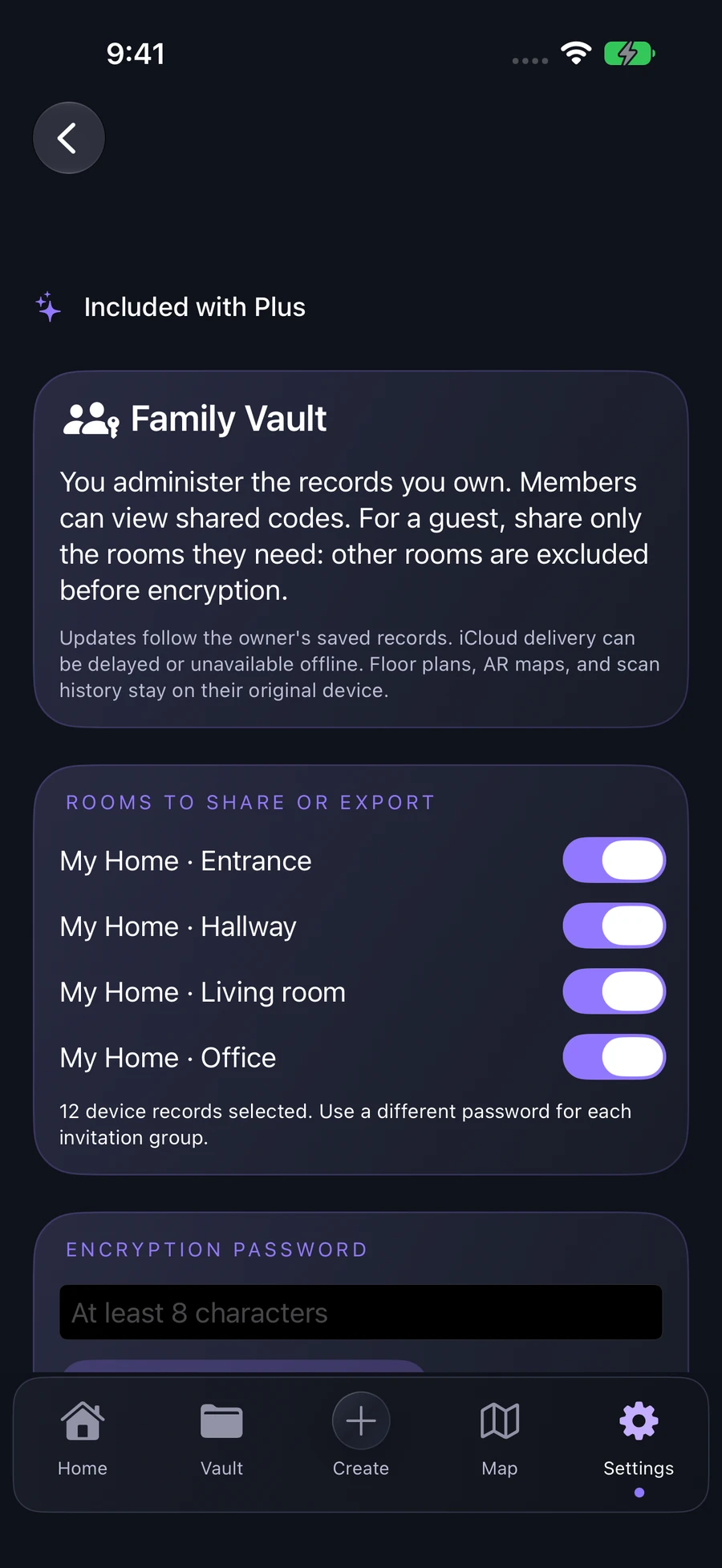
Family vault
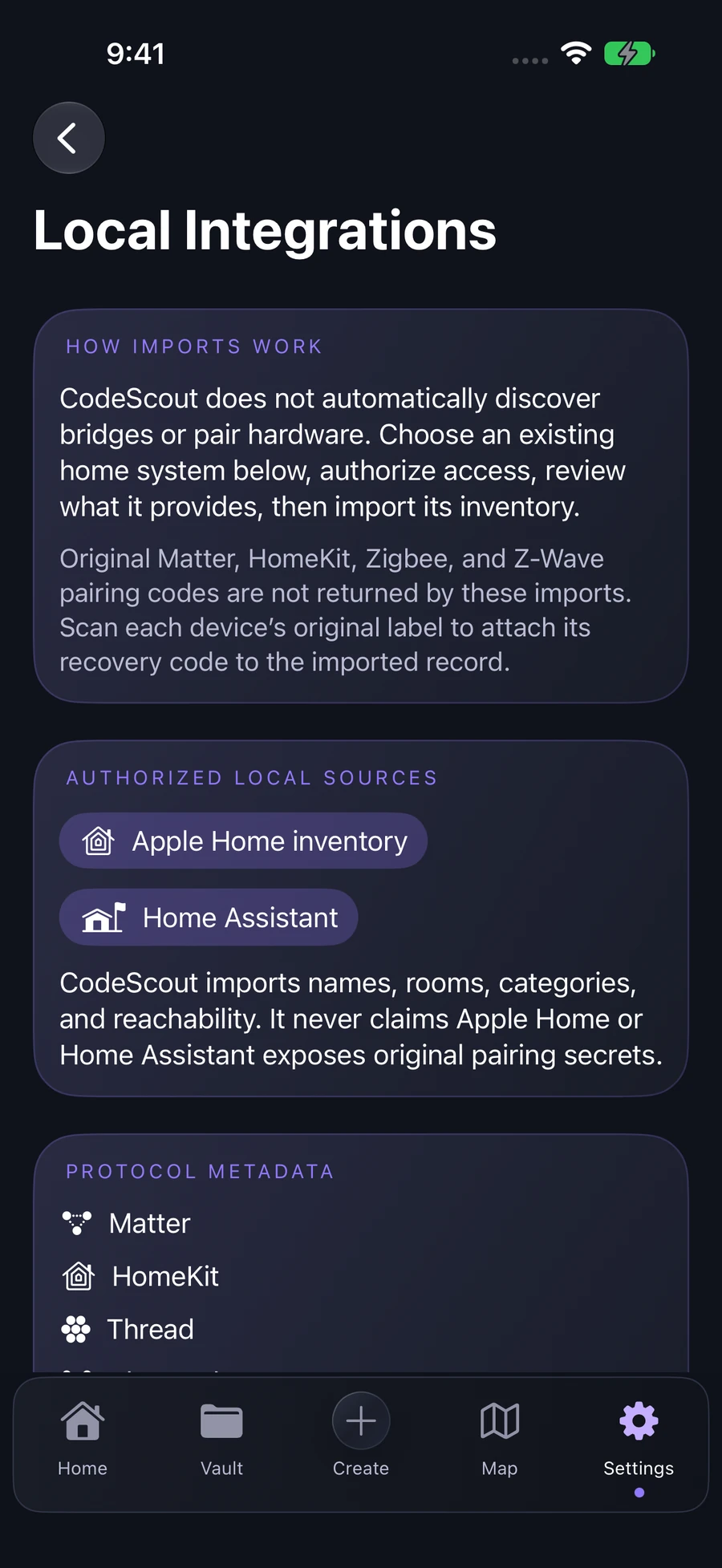
Local integrations
Key benefits
Awkward photo? Fixed.
Perspective correction, cropping, contrast cleanup, and decode verification happen on device.
Share without exposing secrets.
Client-side encrypted family packages and private CloudKit invitations.
Tap the sticker.
Program NFC tags containing only an opaque CodeScout link, never the pairing credential.
Your rooms. Your people.
Choose which rooms to share through private, encrypted family invitations.
Your pairing secrets stay yours.
CodeScout is local-first. Camera cleanup, code detection, organization, analytics, and maps run on your devices. Optional family sharing encrypts the vault before it reaches iCloud.
Supported codes and integrations
Protocol support describes CodeScout’s inventory, detection, and authorized integrations. CodeScout never promises universal control or invents a missing pairing credential.
Start free. Upgrade when your home grows.
Free
$0
CodeScout Plus
Everything, unlocked
Final pricing and availability are shown in the App Store and may vary by region. Monthly and yearly plans renew automatically until canceled.
Questions, answered
Does CodeScout upload my pairing codes?
No for normal use. Records, photos, maps, and scan history stay on your device. If you choose family sharing, CodeScout uploads a client-side encrypted vault package to your private/shared iCloud database.
Can CodeScout recover any lost setup code from a serial number?
No. CodeScout can regenerate a scannable image from setup data you already possess, but it never guesses or fabricates a commissioning secret.
What can I scan?
QR, Data Matrix, Aztec, PDF417, Code 128, EAN-13, EAN-8, UPC-E, and smart-home payloads such as Matter, HomeKit, Wi-Fi, Zigbee, and Z-Wave metadata.
Does NFC put the setup code on the tag?
No. The tag stores only an opaque HTTPS link that opens the matching local CodeScout record.
Does it work with Apple Home and Home Assistant?
CodeScout can import authorized Apple Home metadata and connect directly to a user-owned Home Assistant server. Neither integration is presented as a way to extract original pairing secrets.
Is room-level GPS positioning guaranteed?
No. GPS is for property-level discovery. CodeScout uses calibrated AR floor maps for indoor placement.